Color your model for multi-material printing.
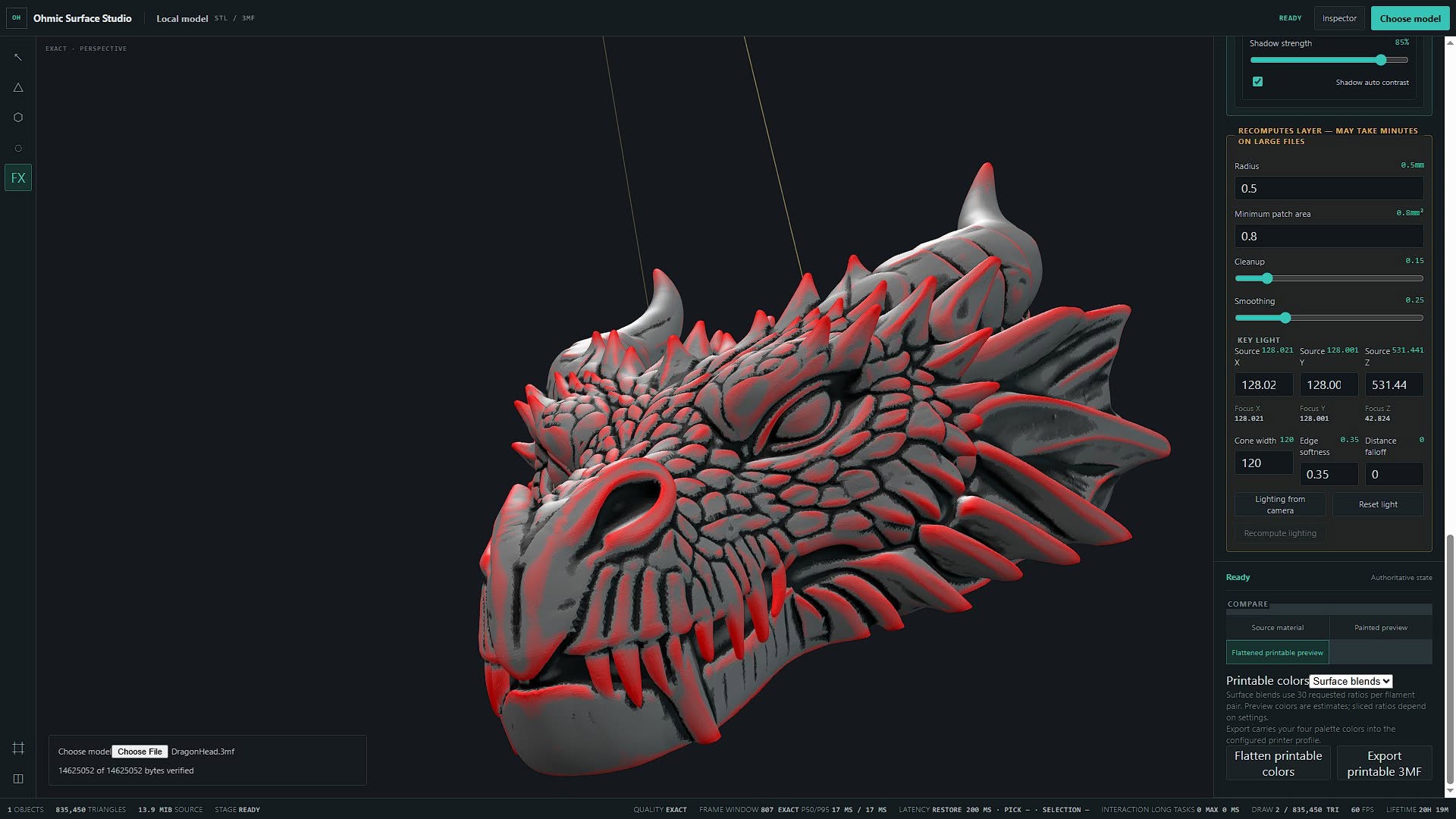
Surface Studio maps ridges, recesses, and lighting into 3MF color assignments for a tested Snapmaker U1 and Orca workflow—without painting every face in your slicer.
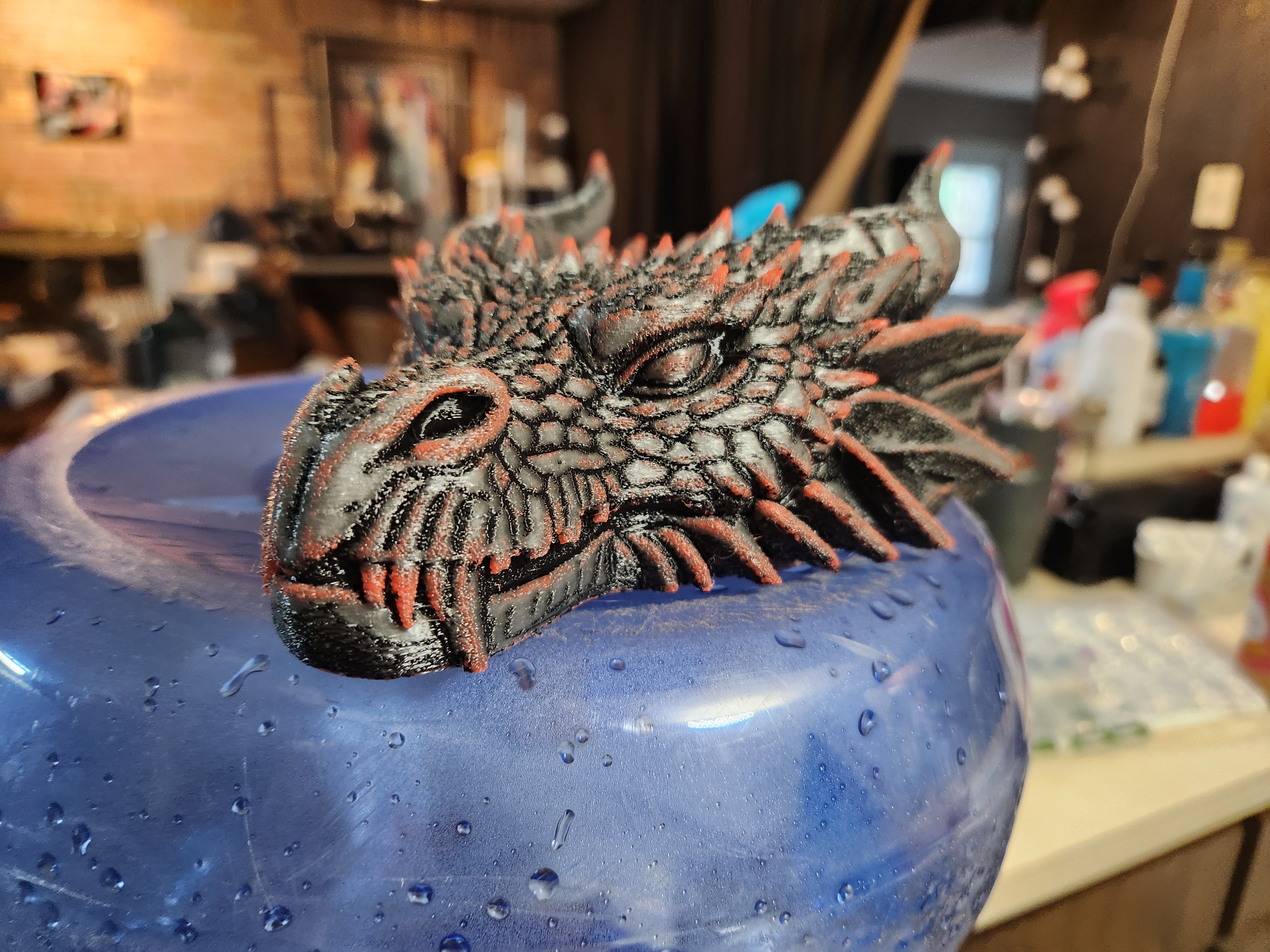
Photographed after printing on the Snapmaker U1. This is physical-print evidence, distinct from the application and slicer captures elsewhere on the page.
Dragon Bowl model by TheHexArtist · Owner photography
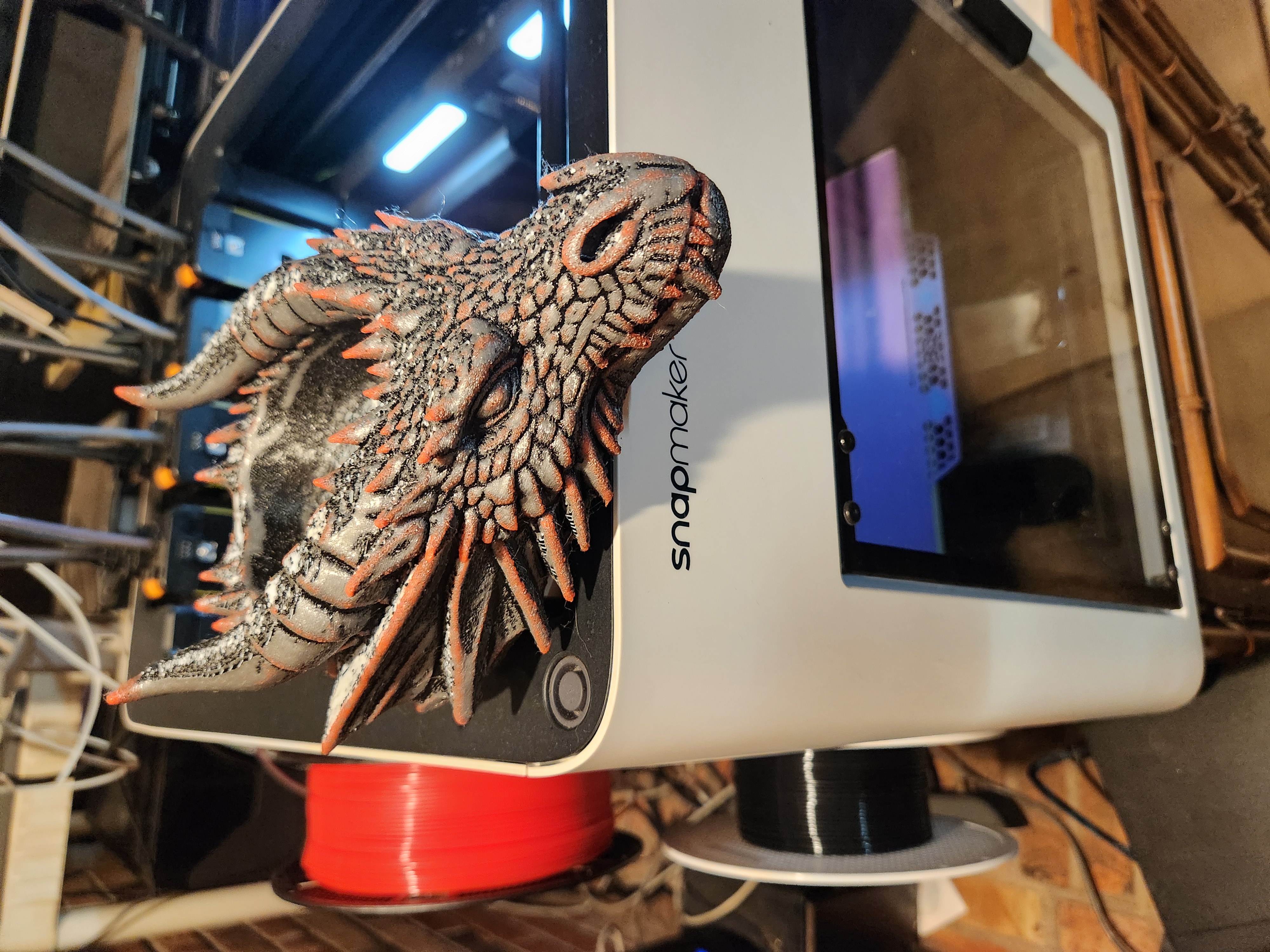
On the printer
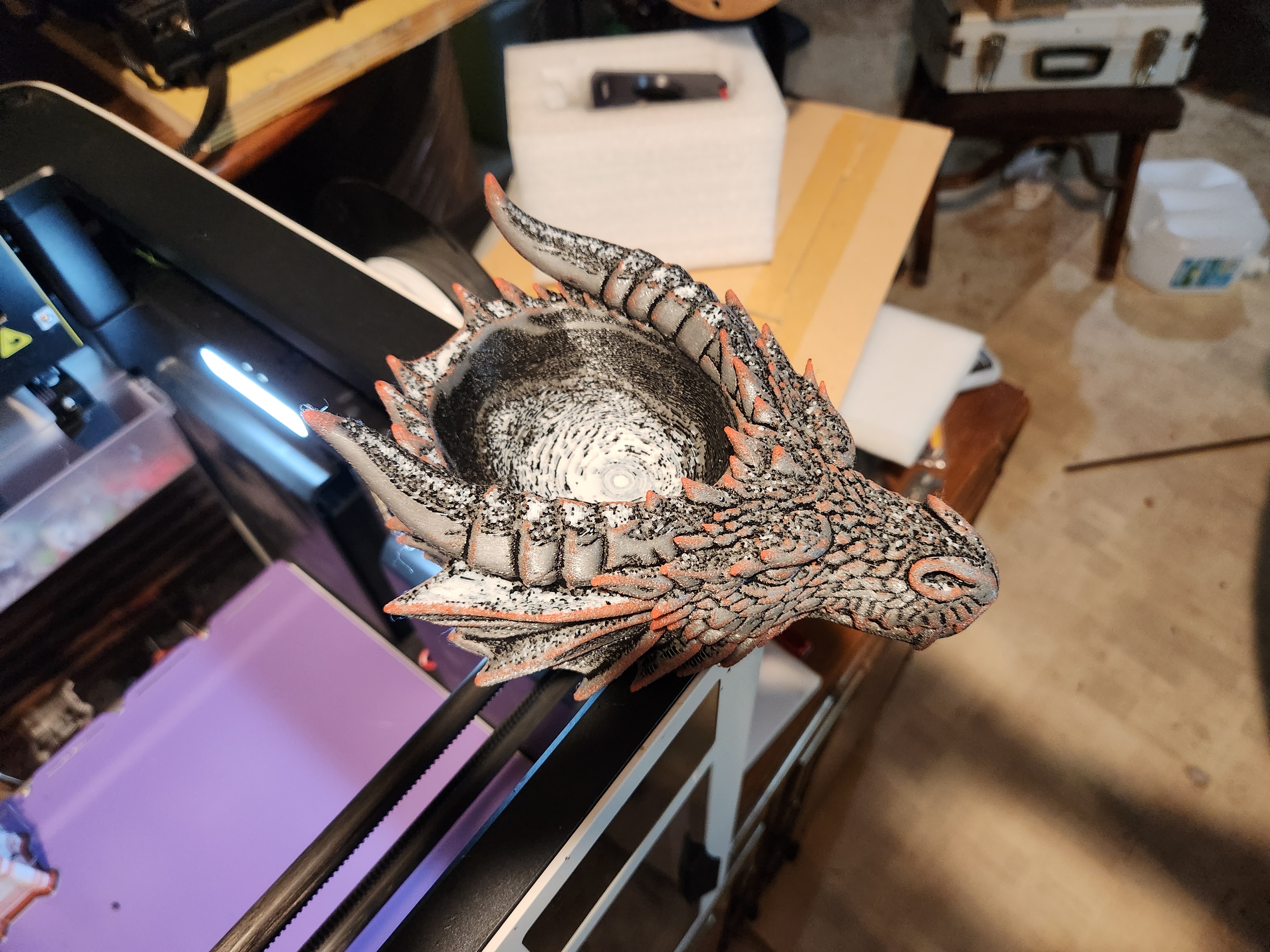
Bowl interior
From raw triangular mesh to physical print result.
A clear progression: start with raw geometry, shape surface properties and lighting, export a native printable 3MF, then keep software and physical evidence distinct.
Physical Result
A physical Dragon Bowl print from the tested Snapmaker U1 / Snapmaker Orca beta workflow. Results vary with the model, materials, and slicer settings.
Physical proof, returned exports, and observed laptop runs.
Dragon Bowl and Hogwarts photographs show real printed results. Separately, one Ryzen 5 7520U laptop run analyzed Dragon (835,450 positive triangles) in 30.952 s and Hogwarts (821,580) in 30.174 s. Those are single observations, not typical-device speed claims.
The Physical Dragon Bowl
Workshop photographs of the Dragon Bowl physical result. They do not establish material identity, exact settings, or screen-to-print color correspondence.
Workshop photographs document a physical Dragon Bowl from the tested workflow. On a Ryzen 5 7520U laptop, one analysis of the 835,450-triangle Dragon completed in 30.952 s. This is a recorded example, not a system requirement.
PROCESS GALLERY
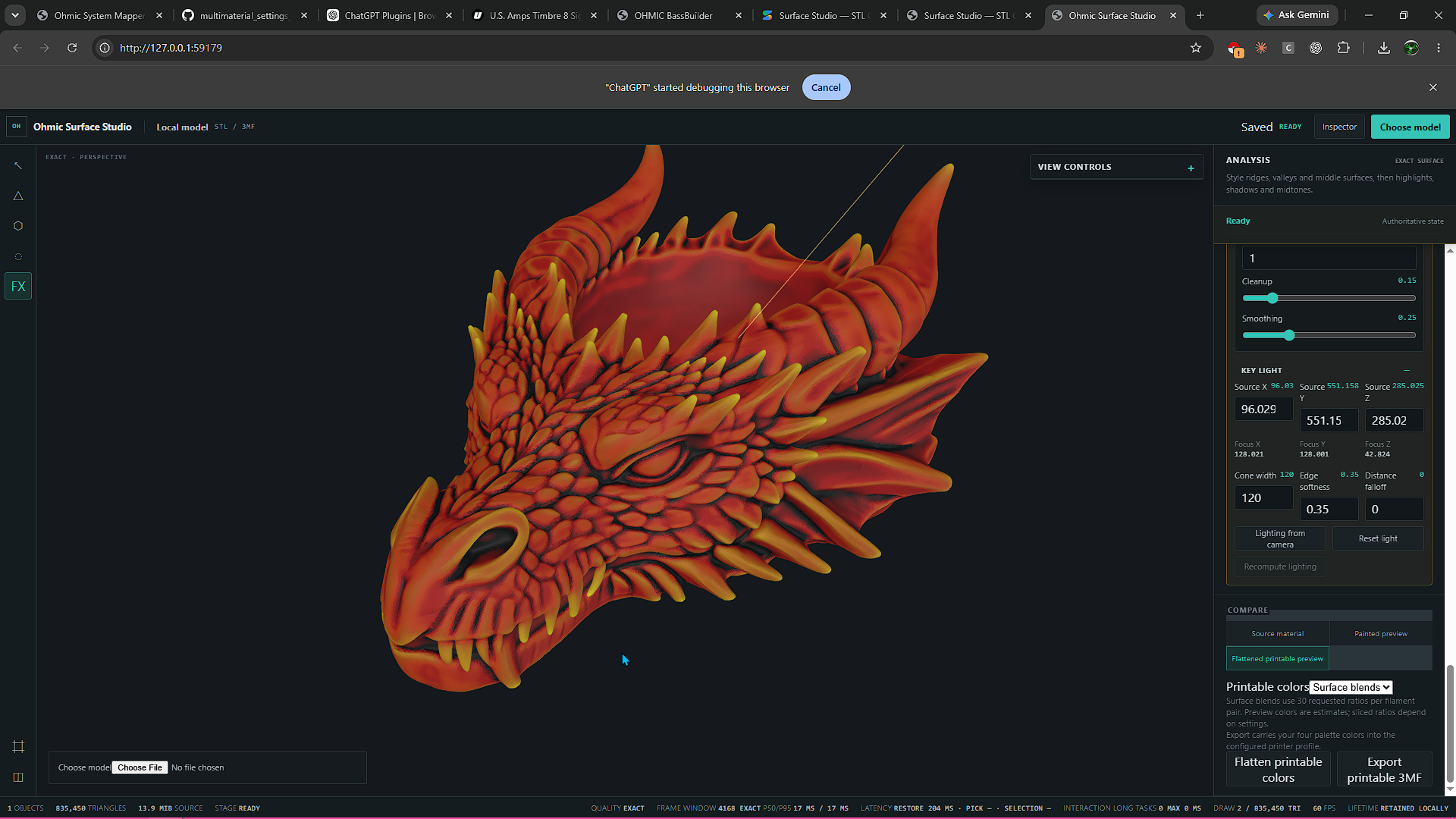
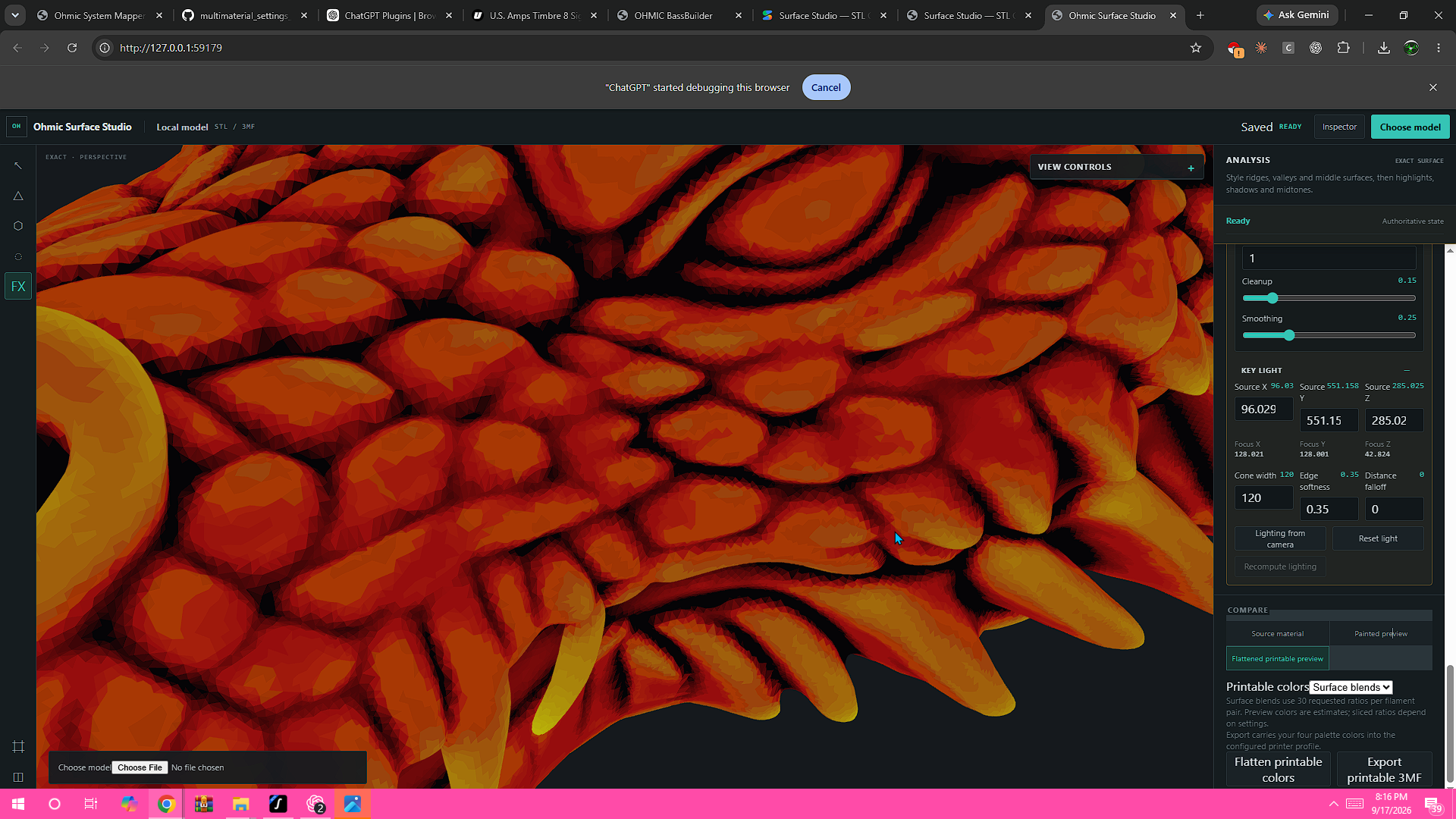
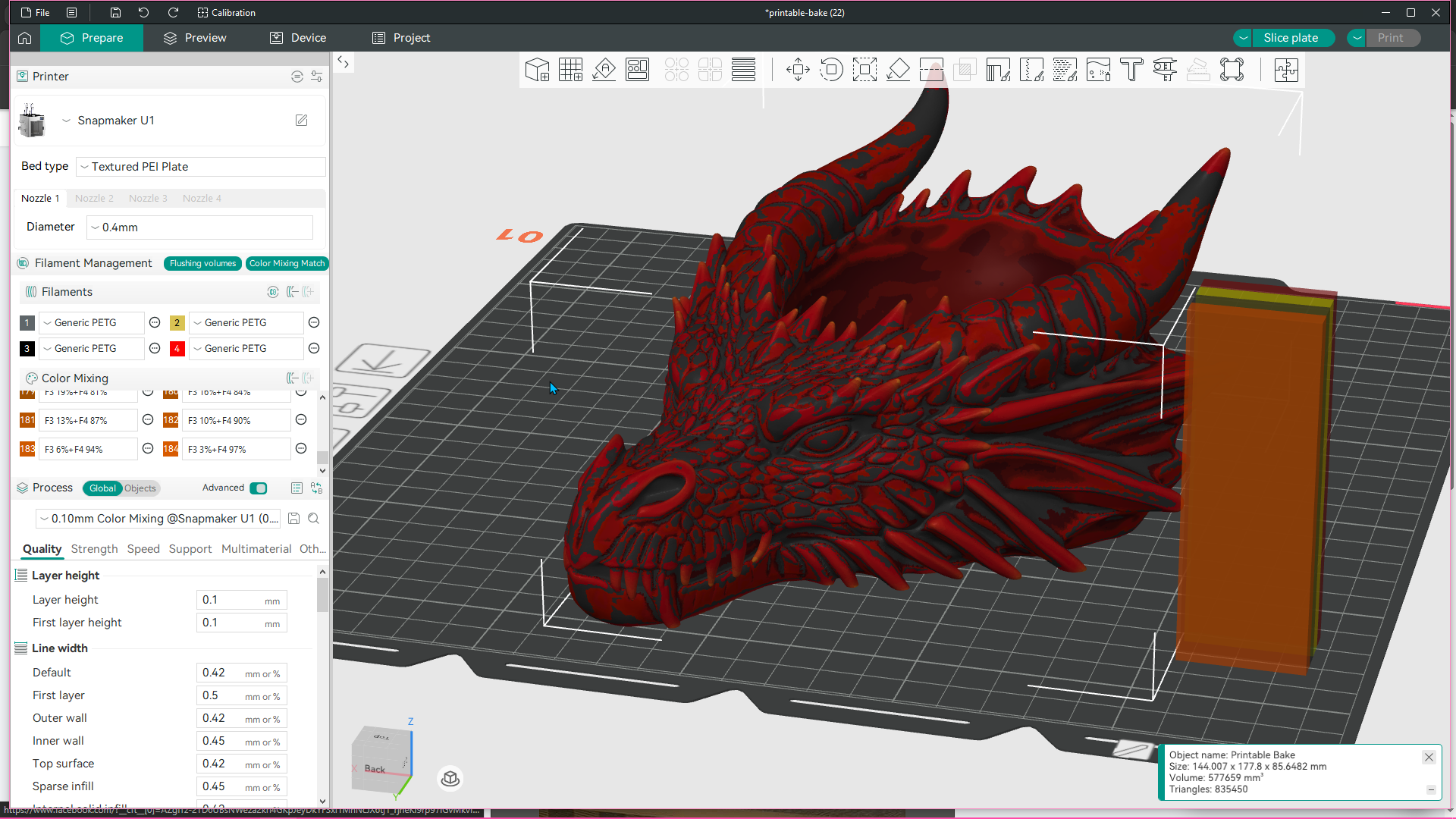
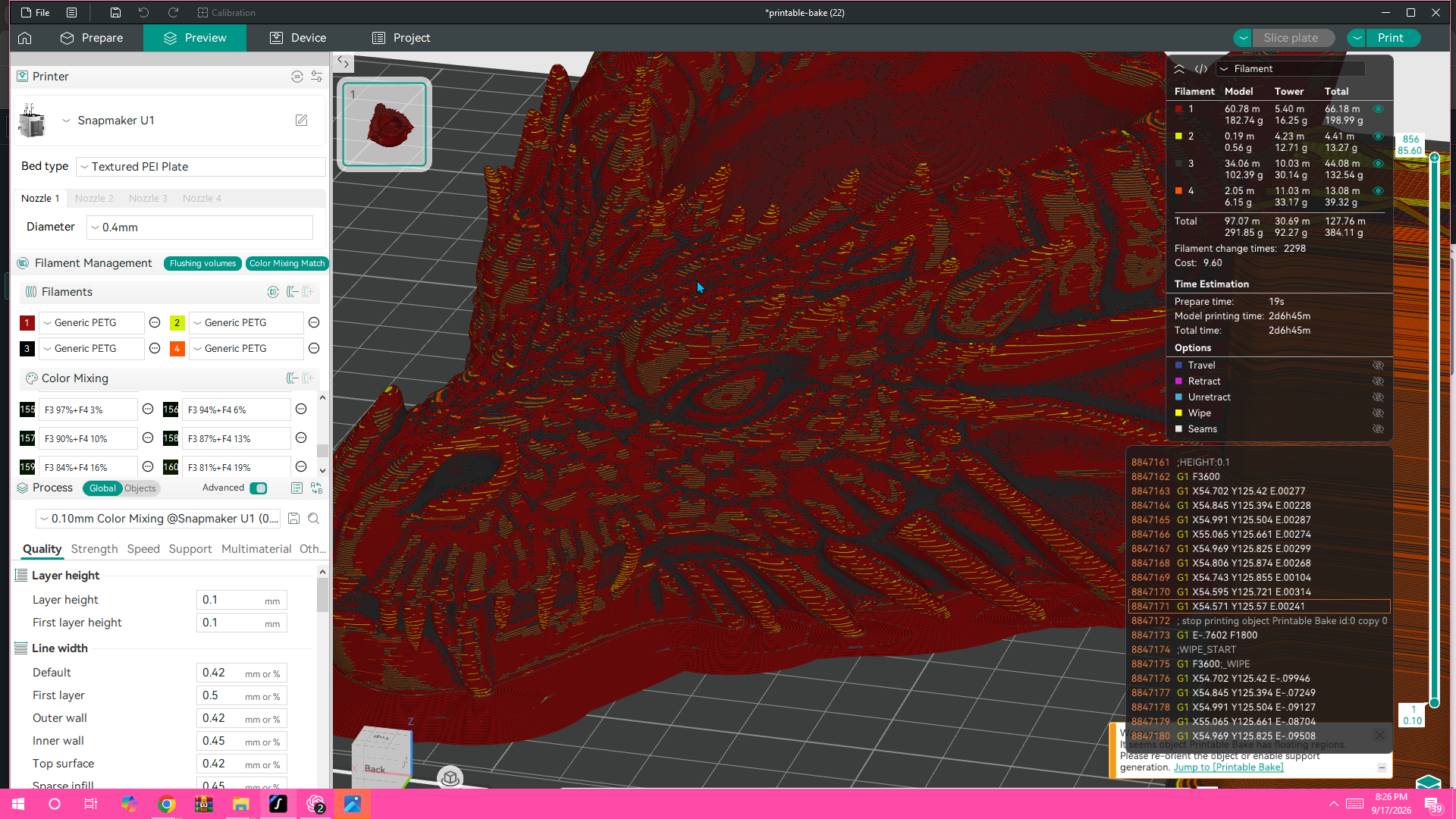
Separate variation: orange and yellow Dragon.
Follow this color treatment from Surface Studio to the completed slicer preview. This variation has not been printed; the workshop photographs above show an earlier print. Model: Dragon Bowl by TheHexArtist. Select a capture to inspect the full image.
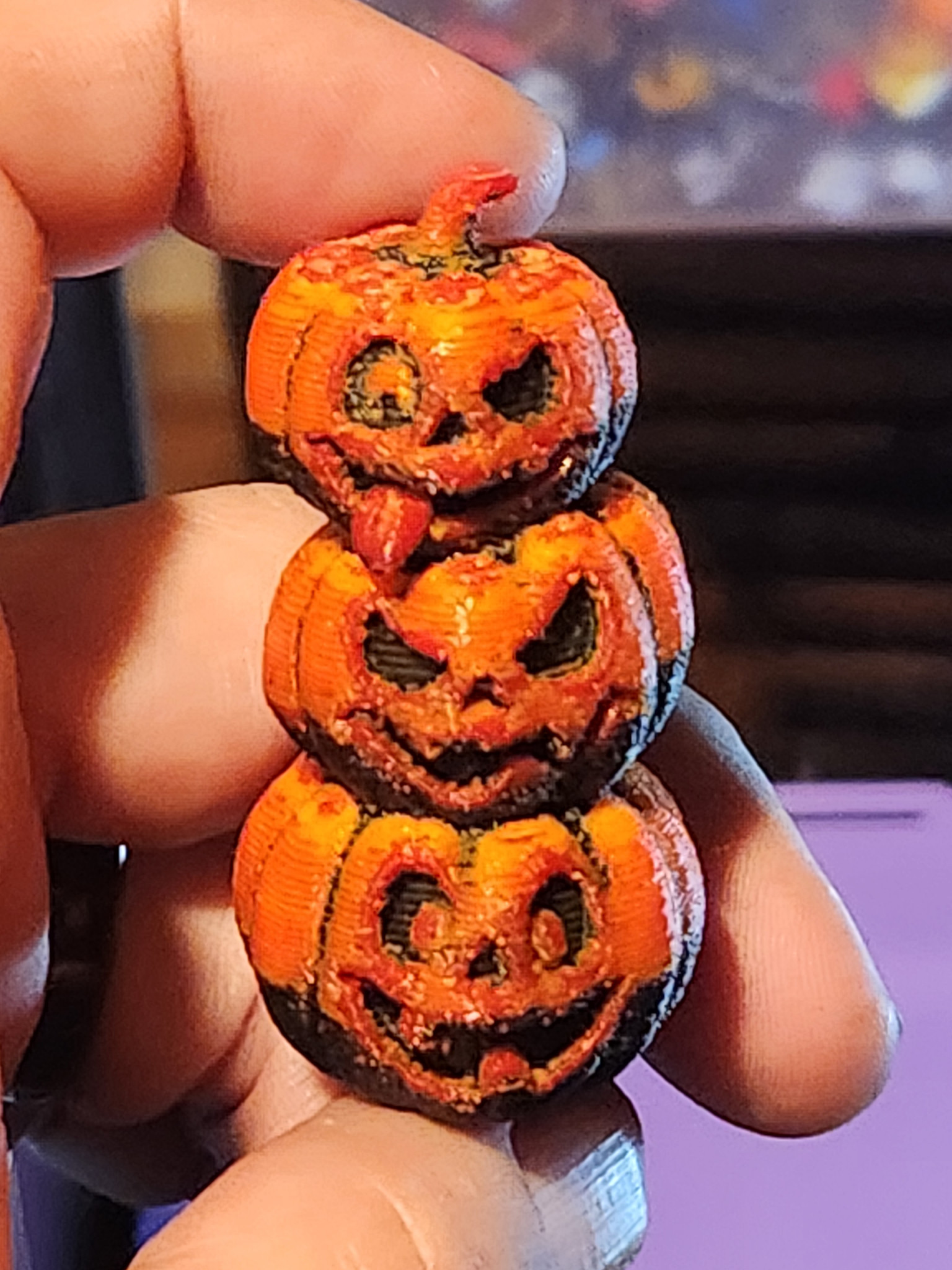
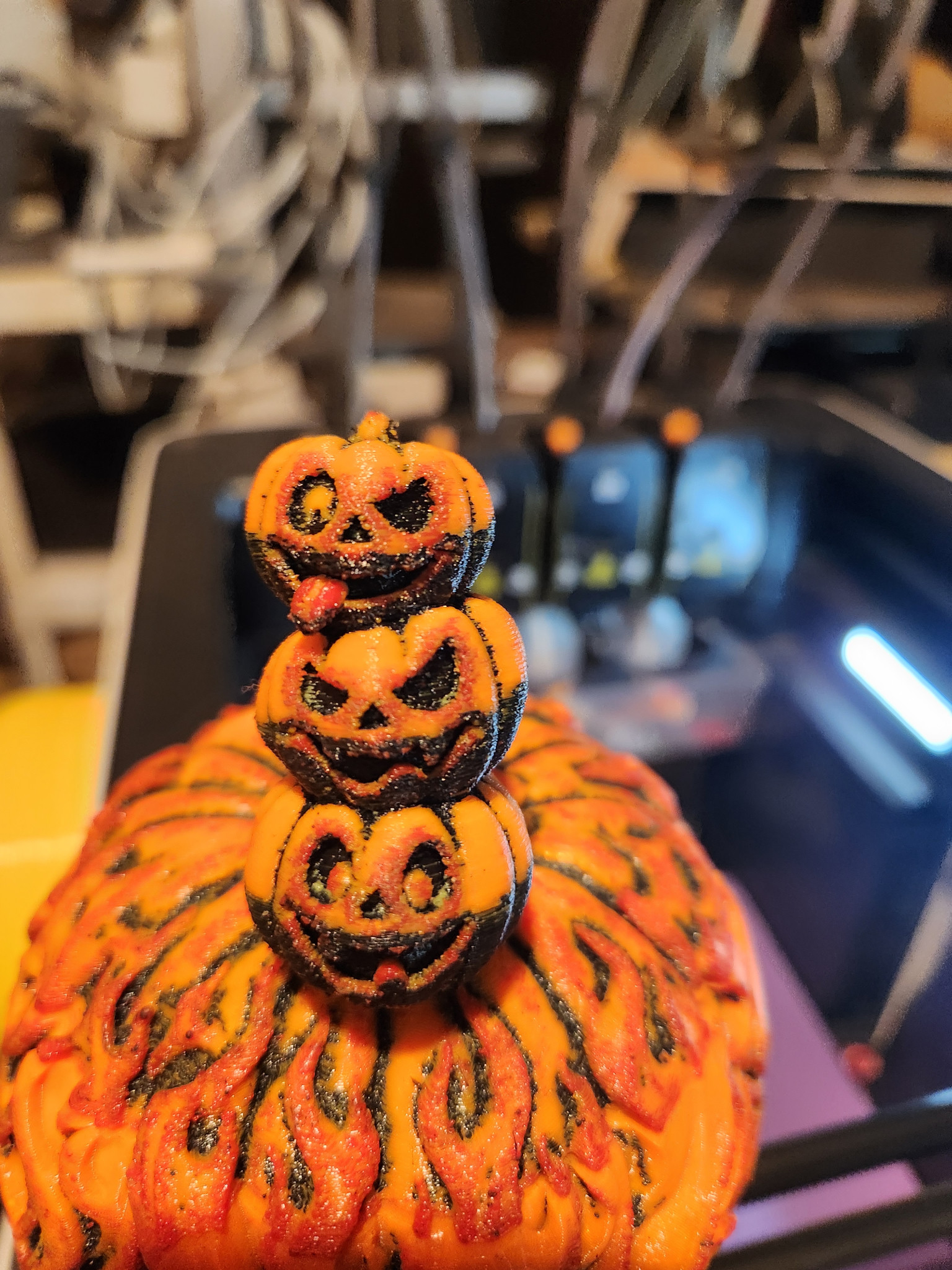
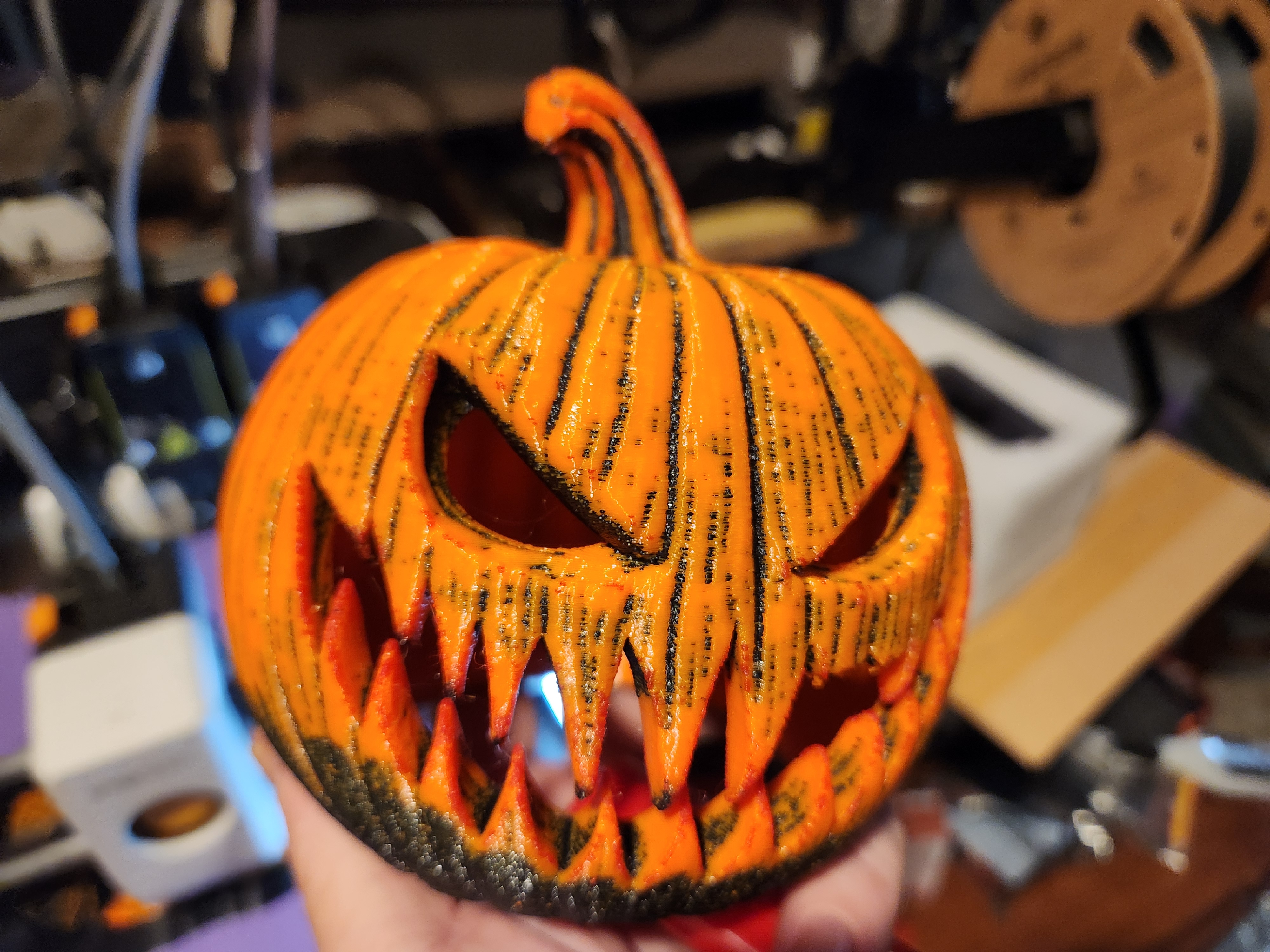
Pumpkin prints and color studies
See the finished mini pumpkin stack, plus Surface Studio and Snapmaker Orca captures for the pumpkin bowl and clawed pumpkin. Select any image for the full view.
Three mini pumpkins
Pumpkin bowl
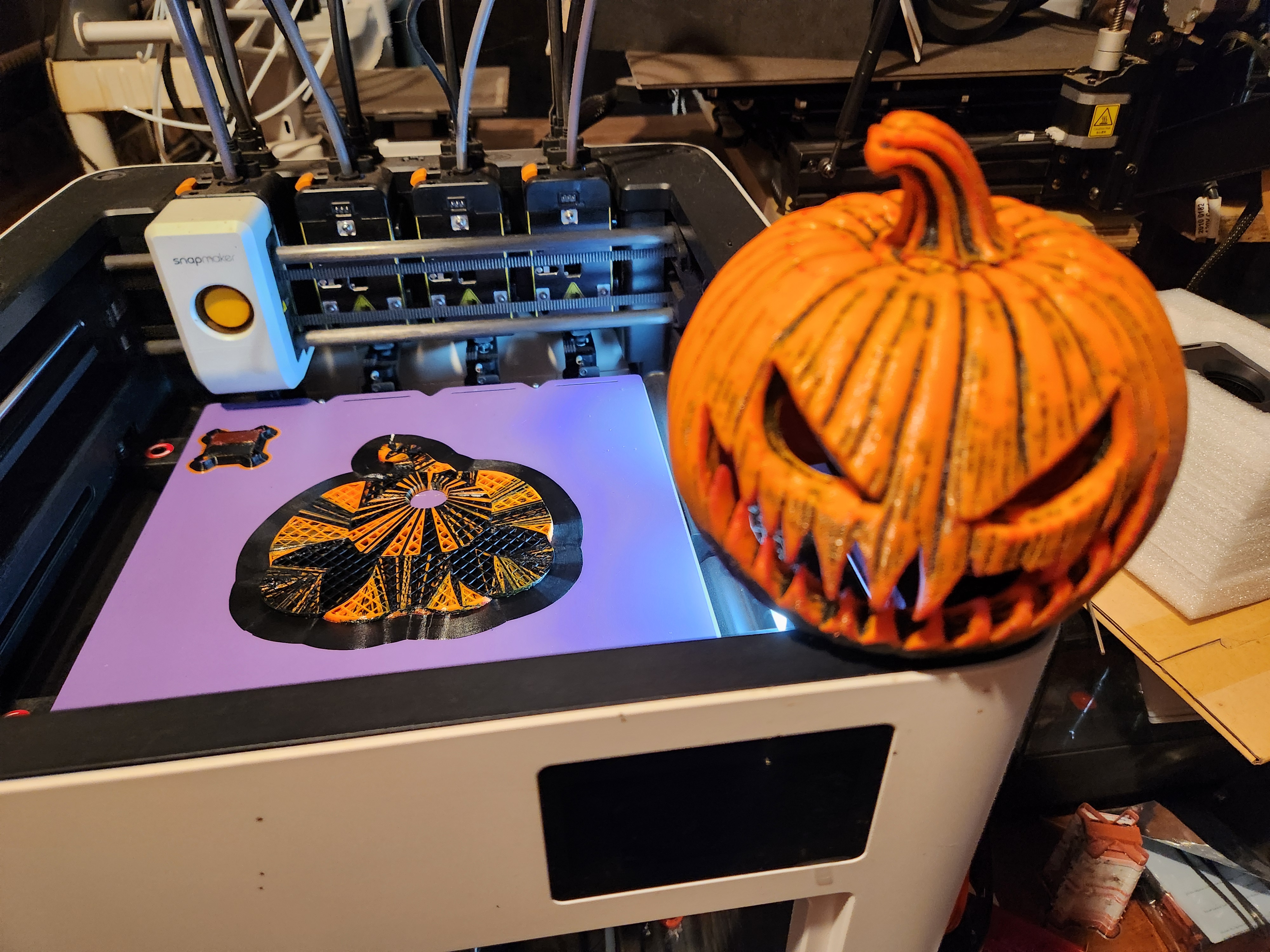
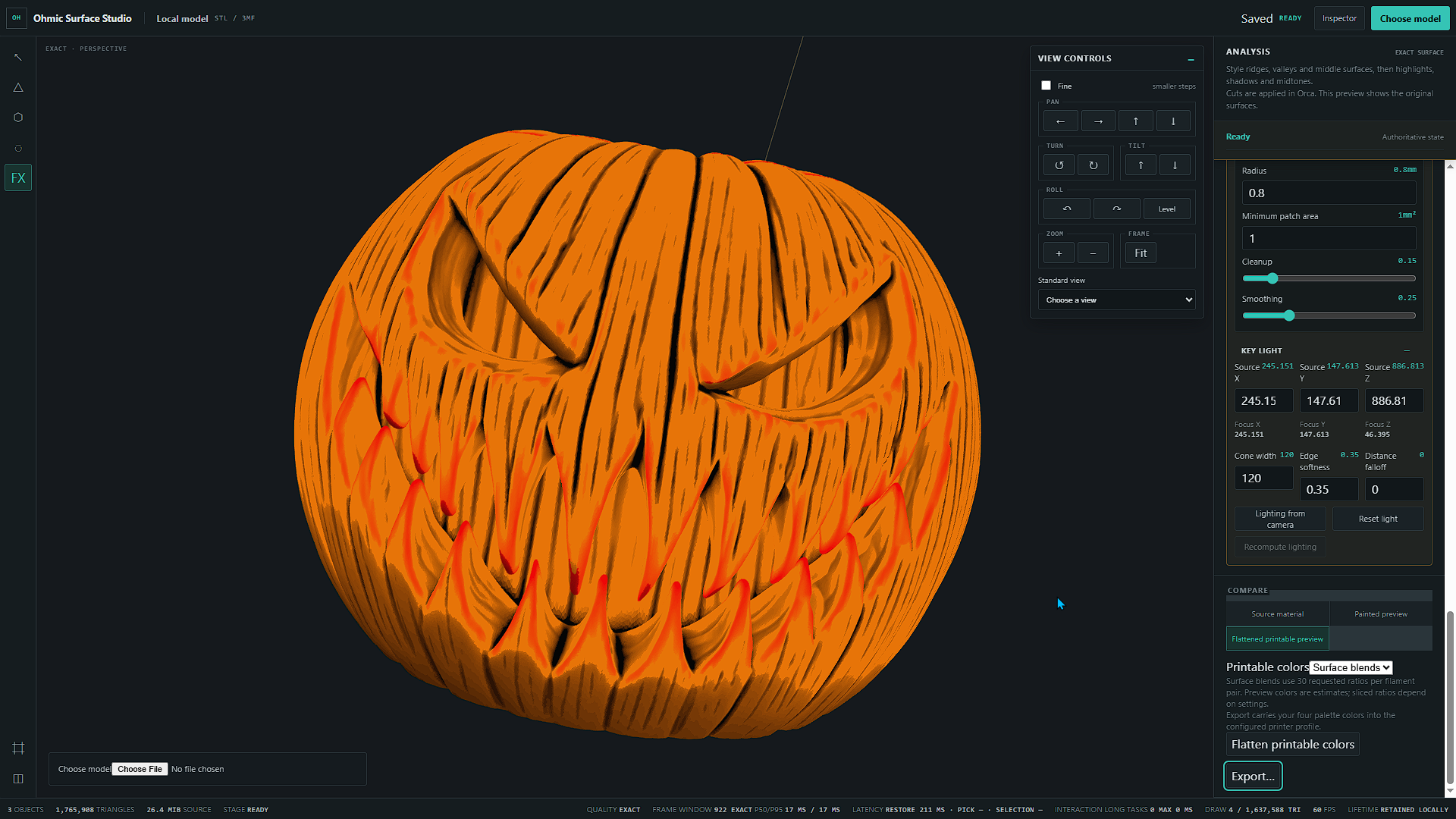
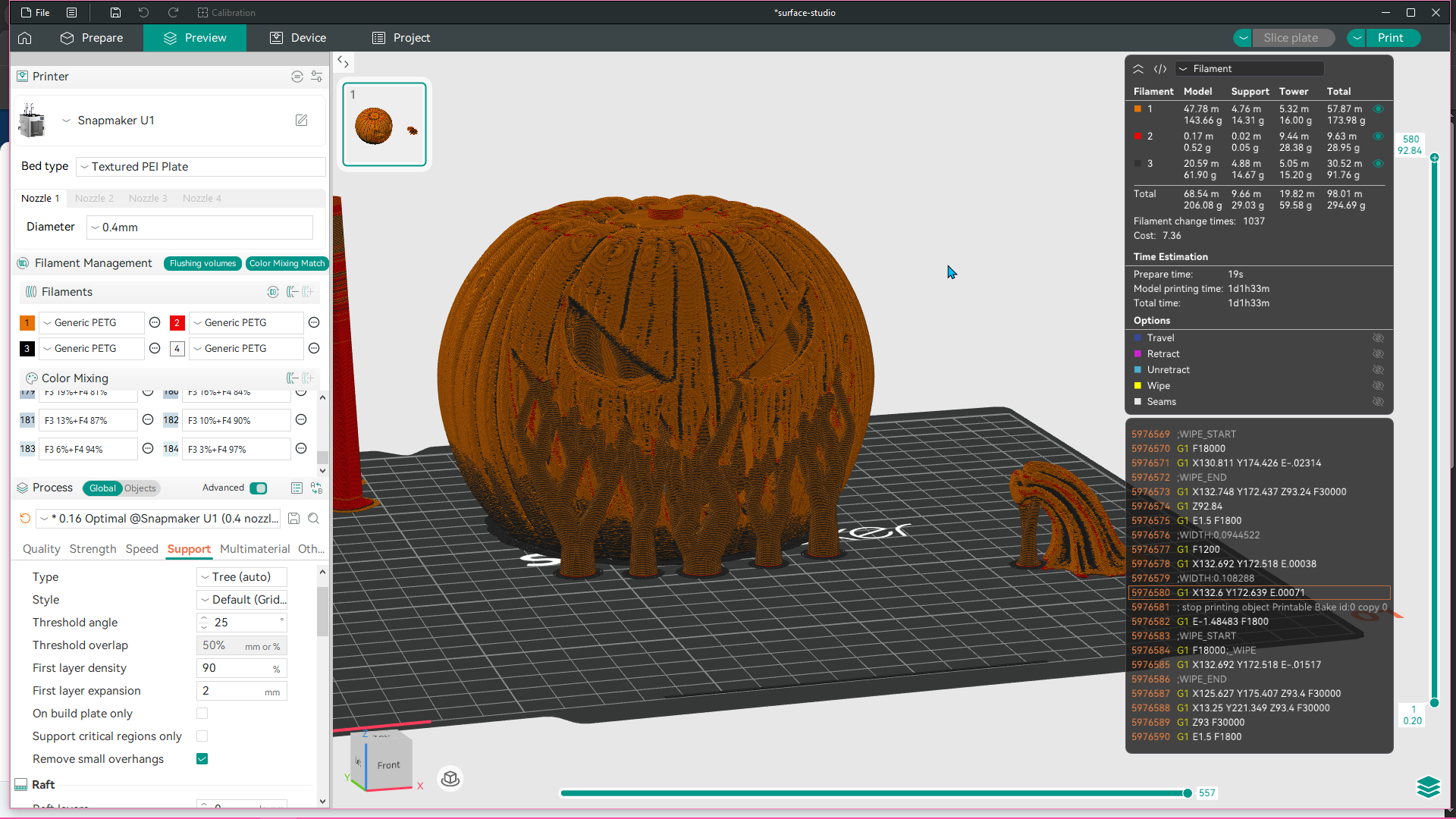
Pumpkin with clawed hands
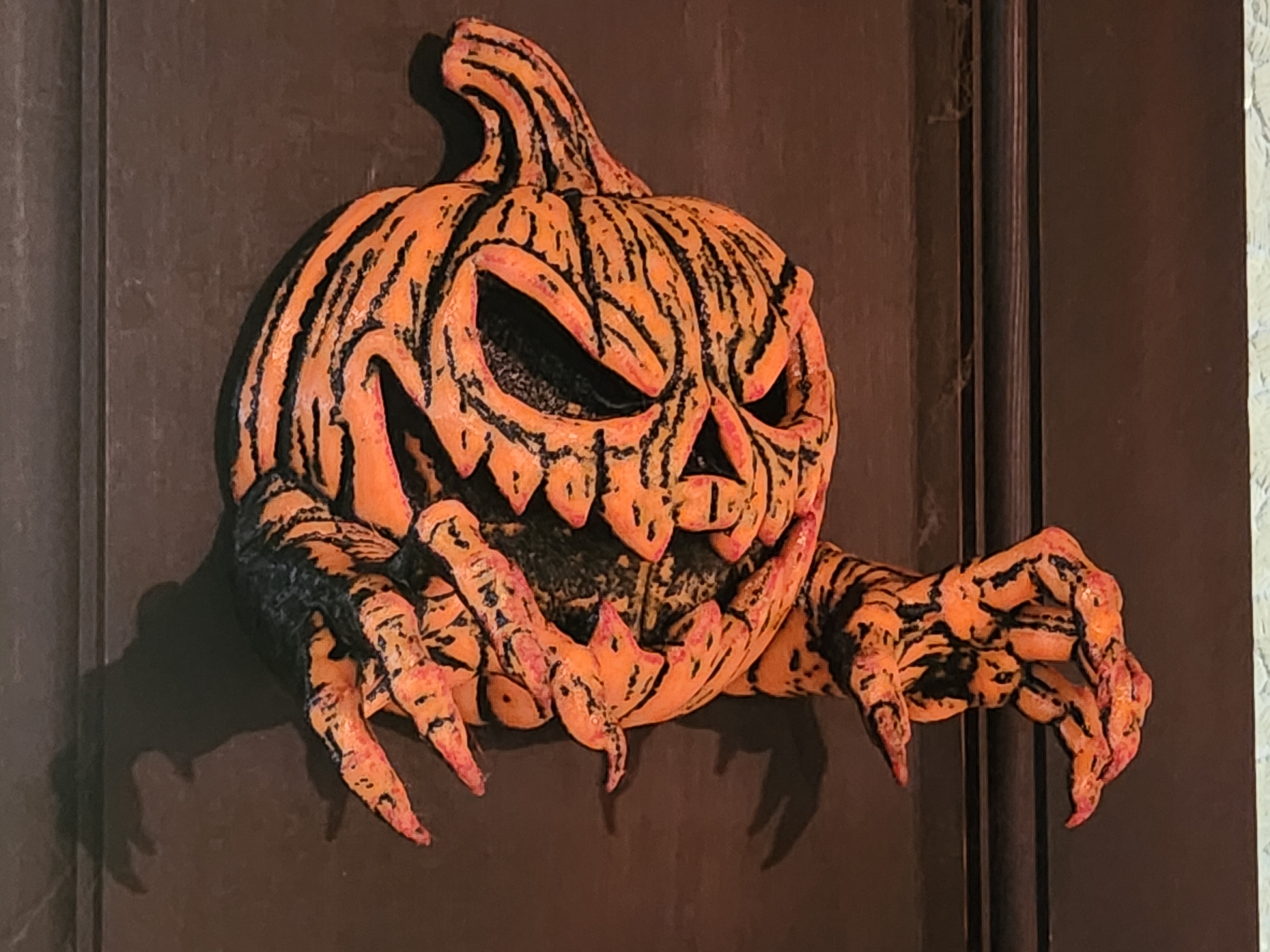
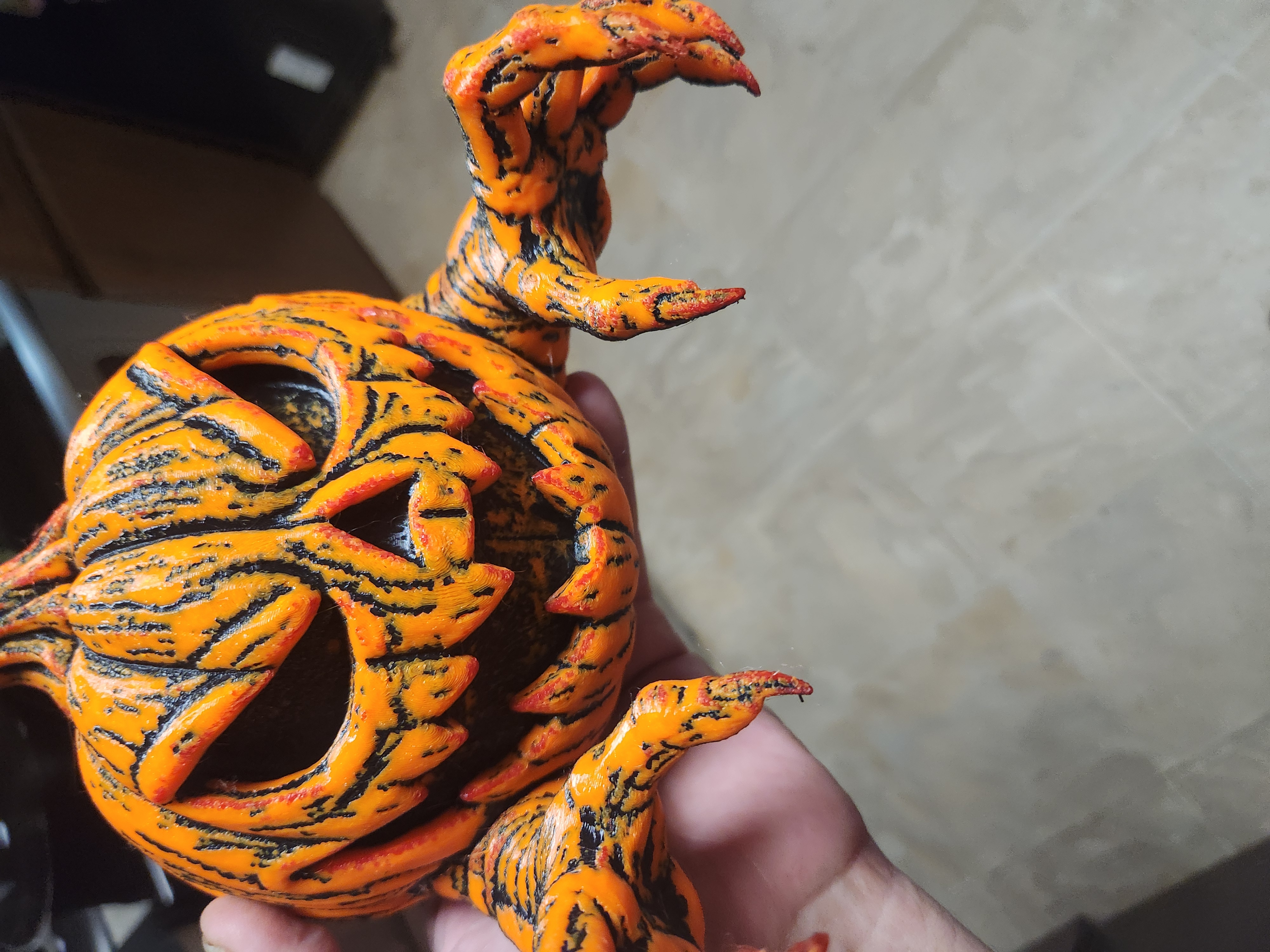
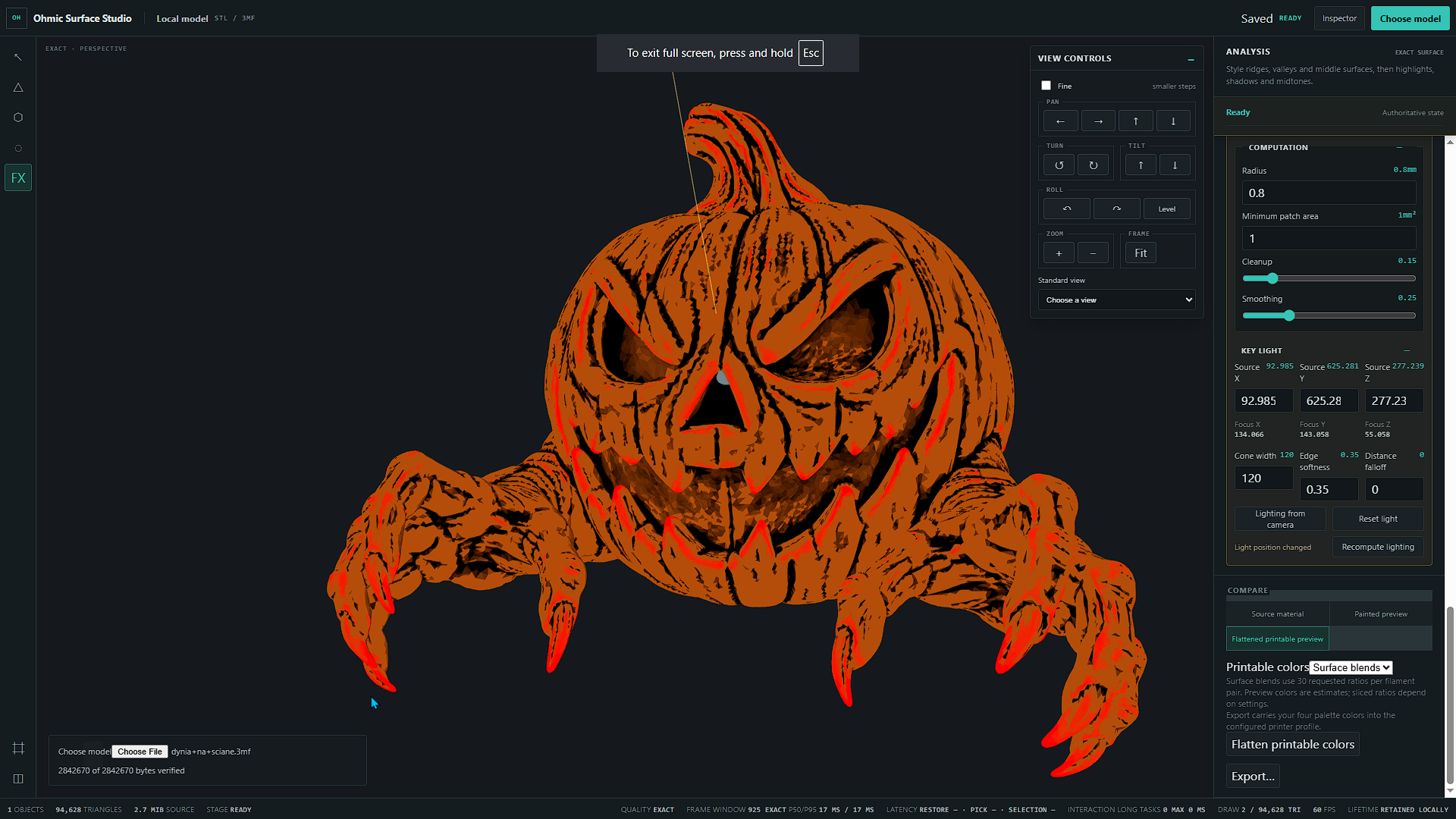
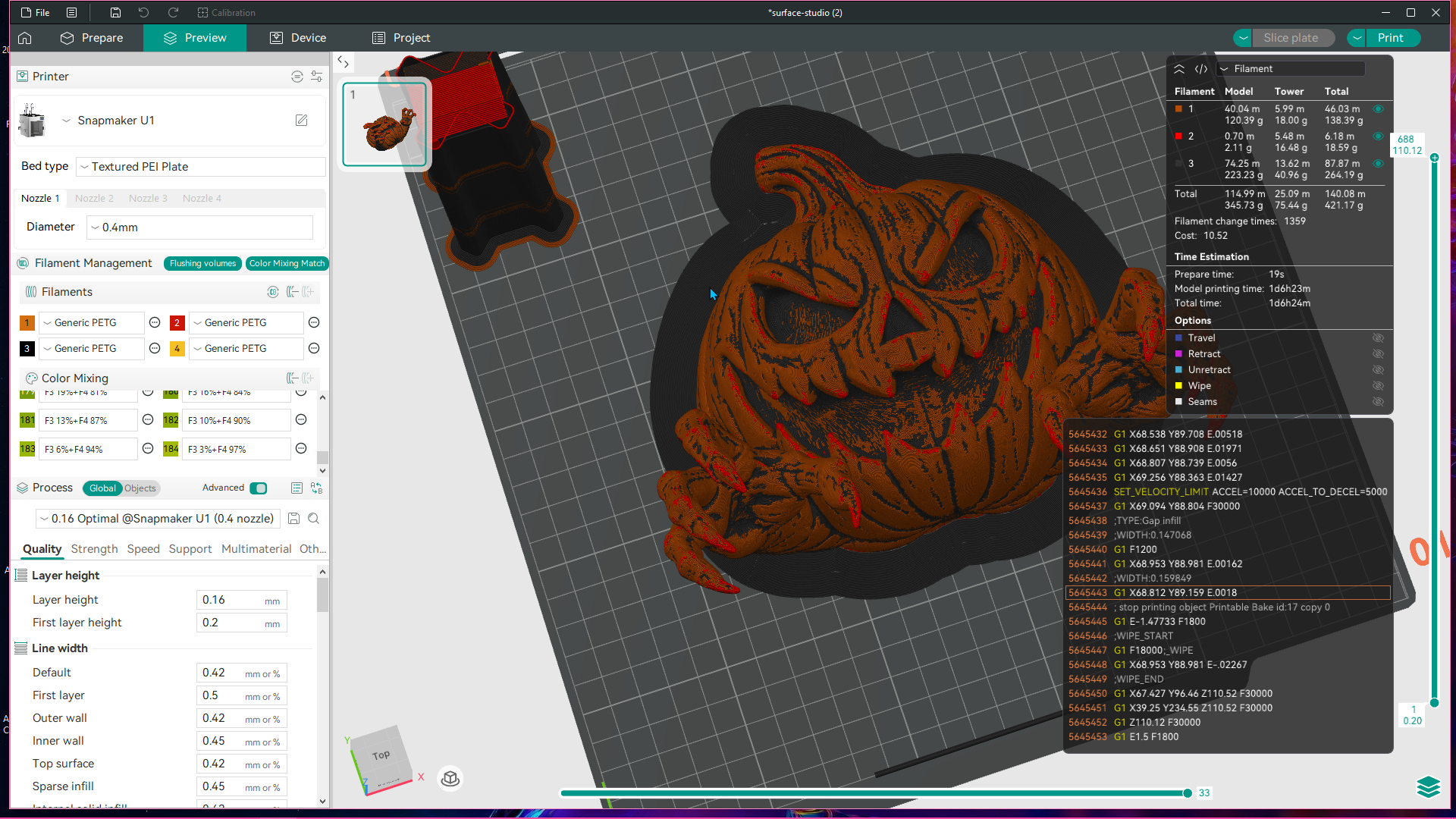
Images are grouped by model. Exact export and print settings are not recorded; these are workshop photographs, not a calibrated screen-to-print color comparison.
CURRENT SUPPORT
One tested workflow.
Surface Studio is in private alpha. It has been tested with Snapmaker U1 and Snapmaker Orca beta. Apply by Sunday, November 29, 2026, at 11:59 p.m. Eastern for the Lucky Found Christmas pass: 30 days of free Personal access through January 1, 2027. We will follow up about access.
View purchase options- SLICER
- Snapmaker Orca beta
- INPUT / EXPORT
- STL or 3MF → Separate Printable 3MF + Colored GLB
- NEXT TO VALIDATE
- Additional printers, slicers, and blend results.
Frequently Asked Questions
Straightforward technical clarification regarding architecture, hardware outputs, and current alpha status.
The Dragon Bowl was printed through the tested Snapmaker U1 / Snapmaker Orca beta workflow. Surface Studio exported surface color/material assignments in a native 3MF file, which was then sliced in Orca. The workshop photographs show the actual printed result. Exact filament specifications and print settings have not been documented for this page.
SURFACE STUDIO
Request Surface Studio access
Tell us where to reach you about Surface Studio. Apply by Sunday, November 29, 2026, at 11:59 p.m. Eastern. Eligible signups receive 30 days of free Personal access through January 1, 2027, after we verify the request and complete release checks. Printer and slicer compatibility varies. No payment is taken.
Already have an Ohmic account? Sign in to your account. You can request access without an account.
ROADMAP
What we’re building next
The current workflow comes first. These are directions, not delivery promises.
Now
Regional Painting & Surface Masks
Define bounding zones or masks to restrict surface color treatments to specific model sections rather than applying them globally.
Next
Controlled Surface Gradients
Parametric gradient transitions along designated axes or curves for smooth vertical or radial filament changes.
Later
Filament Purge & Material Guidance
Estimated transition purge volume and filament usage estimates based on chosen recipe levels prior to slicer import.
SURFACE STUDIO
Purchase options
Personal, Creator and Pro are one-time purchases for the tested Snapmaker U1 and Snapmaker Orca workflow. No automatic renewal.