
🔰 BEGINNER LEVEL: Gain Setting and Basic Checks
The Most Important Adjustment: Gain
Amplifier gain is the single most misunderstood control in car audio. It is not a volume knob — it sets the input sensitivity of the amplifier. Setting it too high is the primary cause of speaker damage, amplifier overheating, and distortion.
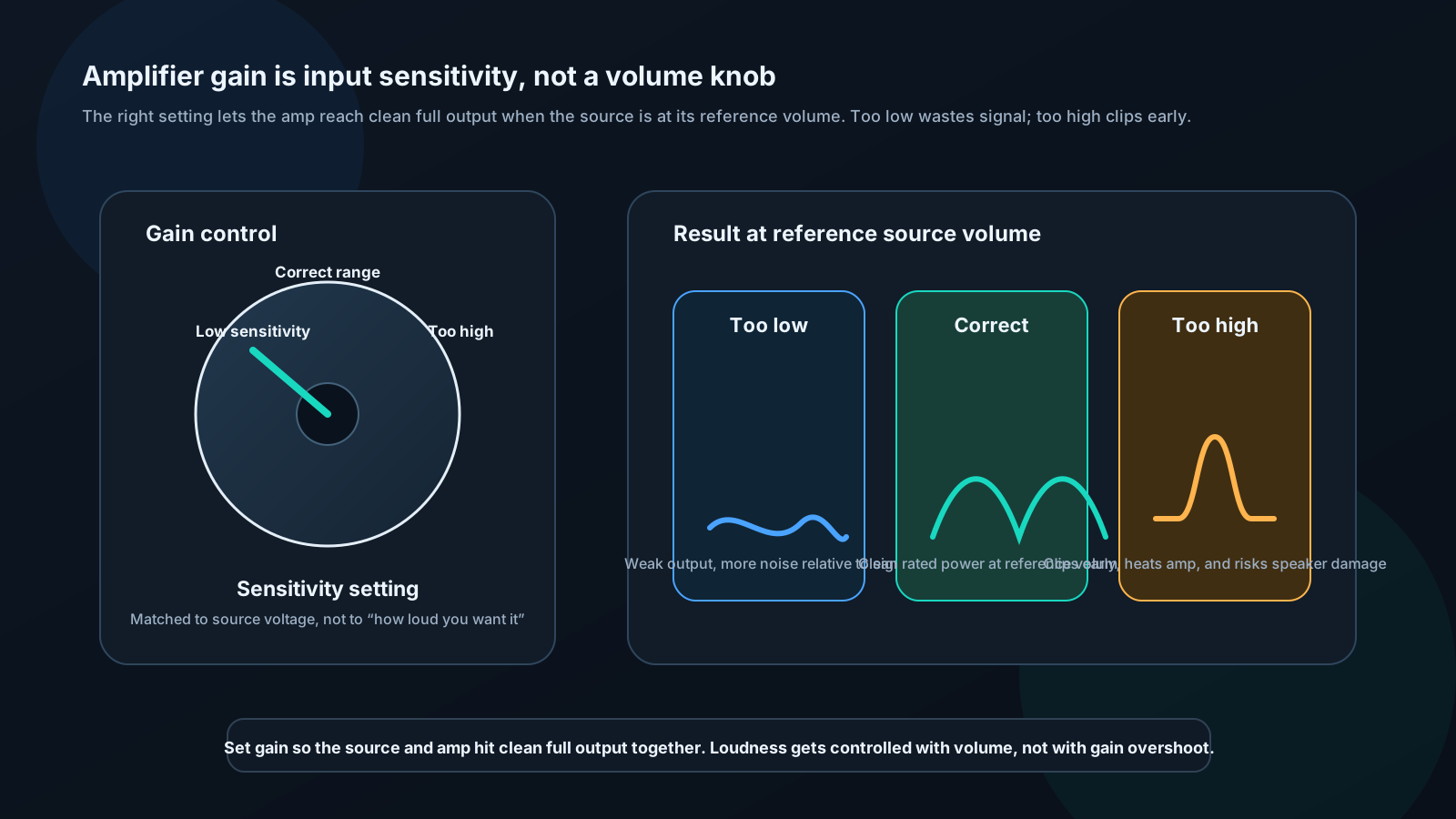
What proper gain setting does:
- Head unit at reference volume (75% of max) → amplifier reaches rated output cleanly
- Head unit below reference → amplifier produces proportionally less, cleanly
- Head unit above reference → amplifier clips (same as if gain were too high)
Method: Using a DMM and test tone
Equipment: - Digital multimeter (AC volts) - 0 dB 1 kHz sine wave test tone (available free online) - 0 dB 40 Hz sine wave test tone (for subwoofer amp)
Step 1: Calculate target output voltage
V_target = √(P_rated × Z_speaker)
Examples:
| Amplifier | Speaker | Target Voltage |
|---|---|---|
| 100W × 4 @ 4Ω | 4Ω | √(100 × 4) = 20V AC |
| 500W × 1 @ 4Ω | 4Ω | √(500 × 4) = 44.7V AC |
| 1000W × 1 @ 2Ω | 2Ω | √(1000 × 2) = 44.7V AC |
| 75W × 4 @ 4Ω | 4Ω | √(75 × 4) = 17.3V AC |
Step 2: Set head unit
- All EQ flat, bass boost off, loudness off
- Play 1 kHz test tone
- Set head unit to 75–80% of maximum volume
Step 3: Measure and set gain
- Set amplifier gain fully counter-clockwise (minimum)
- DMM probes across one speaker output pair on amplifier
- Slowly turn gain clockwise
- Stop when DMM reads target voltage
- Lock gain (tape or thread-lock screw if vibration is a concern)
- Repeat for each amplifier
Method: By ear (when DMM unavailable)
Play dynamic music (not heavily compressed pop — use jazz, classical, or acoustic). Turn head unit to 75%. Slowly increase gain until you hear distortion (harshness, crackling). Back off gain until distortion disappears. This is your maximum clean gain.
Verifying Phase
Quick listening test:
- Play bass-heavy music (kick drum, bass guitar)
- Set subwoofer amp to 0° phase
- Listen to bass weight and impact
- Switch to 180° phase
- Whichever setting produces more bass impact is correct
Battery polarity test (for speakers):
- Disconnect speaker from amplifier
- Touch positive of 9V battery to positive speaker terminal for less than one second
- If cone moves outward: polarity is correct ✓
- If cone moves inward: polarity is reversed — swap speaker wires ✗
Check all speakers in system. Mismatched polarity between channels is a common installation error that hollows out imaging.
Channel Balance Check
- Play pink noise (available in REW generator or online)
- Hold SPL meter at listening position
- Mute right channel in DSP — note SPL reading
- Mute left channel, unmute right — note reading
- Difference should be <1 dB
- If not: Adjust DSP output levels or amplifier gains until balanced